Creating an account to become a host with Comfy Workers is quick and simple, just follow the below step by steps!
Step 1.
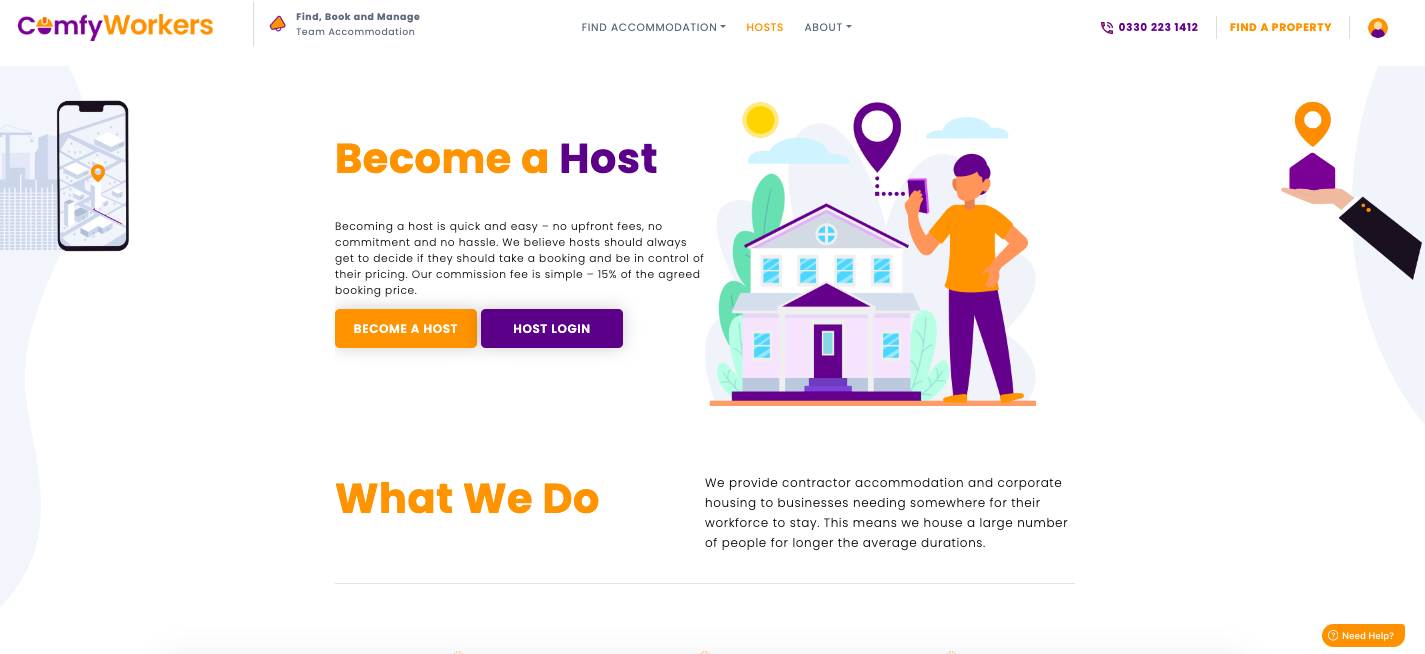
Go to the Comfy Workers Website and click on the host button at the top. Once you have clicked this you will land on a page similar to the below where you will select the 'Become a host' Button.
Step 2.
Here you can register as a host by completing the form entering the below details :
First name
Last name
Company email address (please use an email you have access too, as you will need to verify the email address)
Company contact number
Enter a password of your choice, ensuring it meets the minimum requirements.
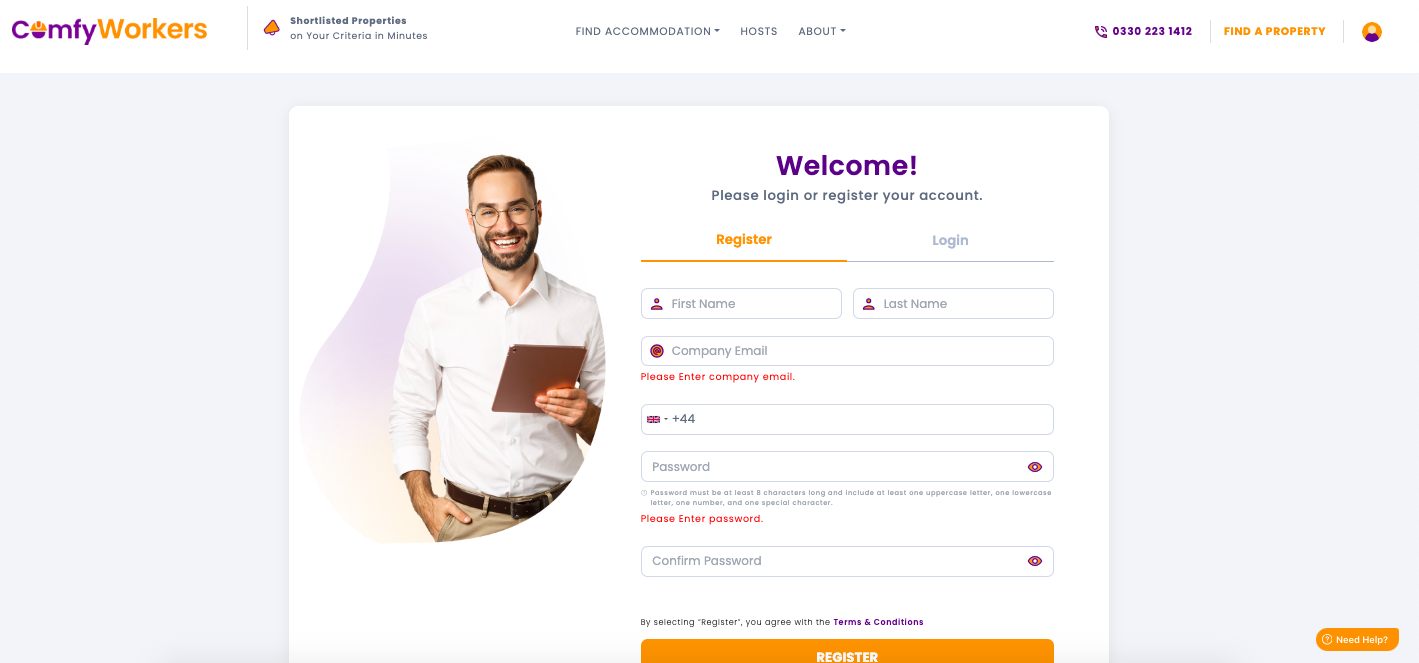
Please ensure you read our term and conditions before clicking the "register" button.
Step 3.
Verify your email by entering the verification code emailed to you.
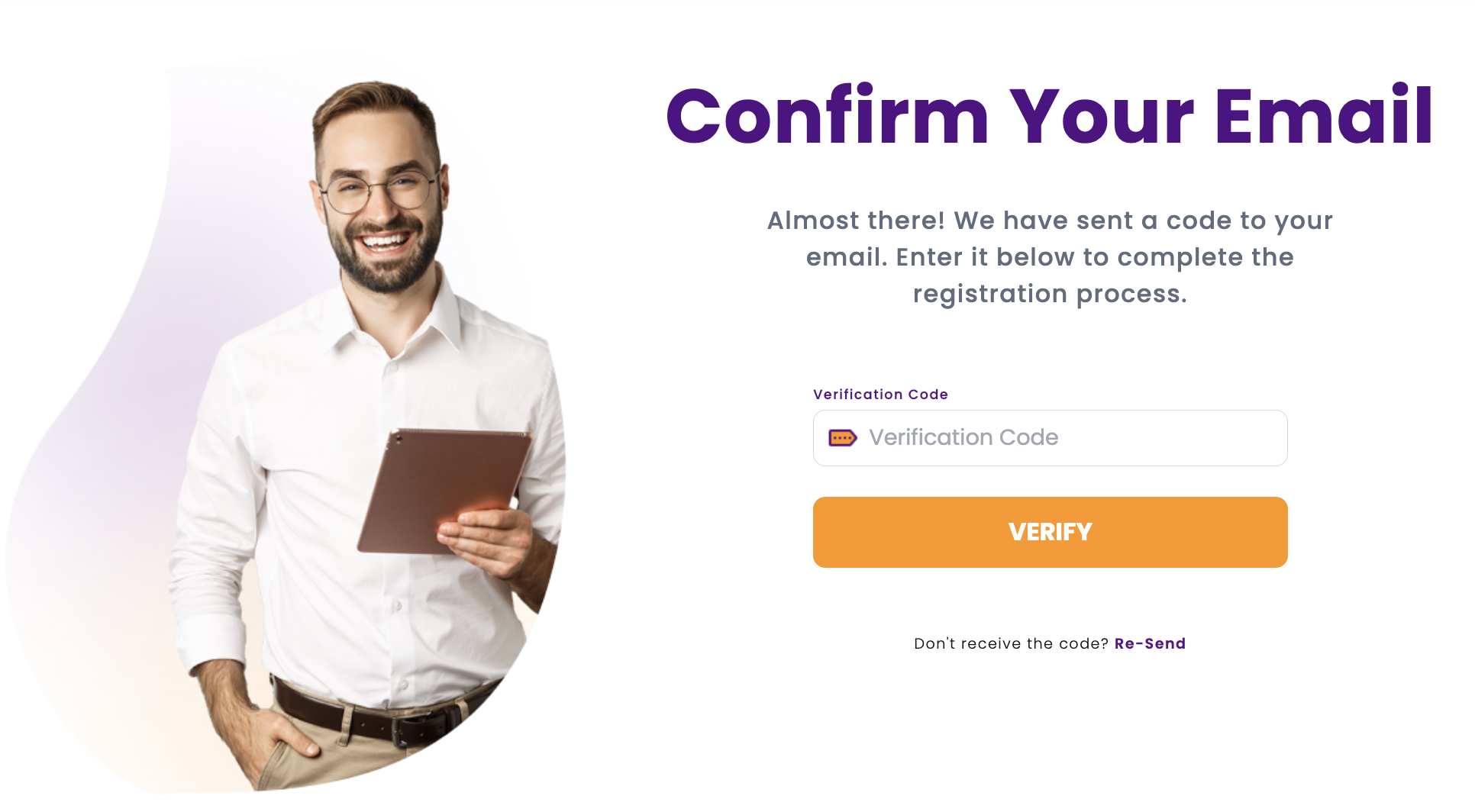
Once complete you will be logged into your dashboard for the Comfy Workers platform. Please keep your log in details safe for future use.
At this stage we do ask that you complete your profile details, however this can be done at a later date if you wish. For more information on completing your Profile, click here.
Moving forward to log into your account, you will just need to head to our website and select log in, where you will need to enter your company email (used to register) and the password you created.
Was this article helpful?
That’s Great!
Thank you for your feedback
Sorry! We couldn't be helpful
Thank you for your feedback
Feedback sent
We appreciate your effort and will try to fix the article